
BDR Parts

Car parts · Catalog

A parts catalog for a shop in Kafr Qara: enter the licence plate, pick the part and send the request straight to WhatsApp.
Visit the site (opens in a new tab)

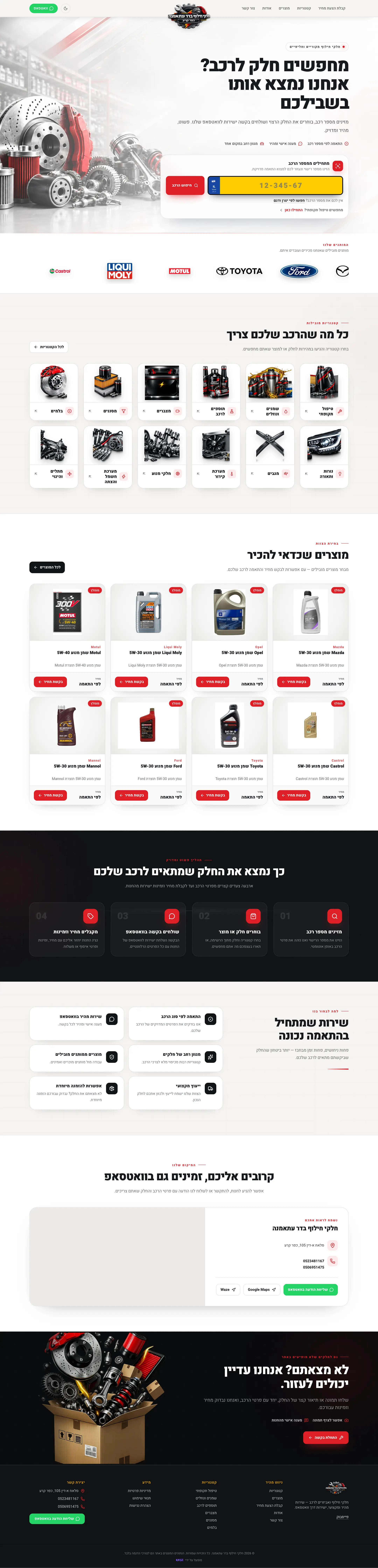
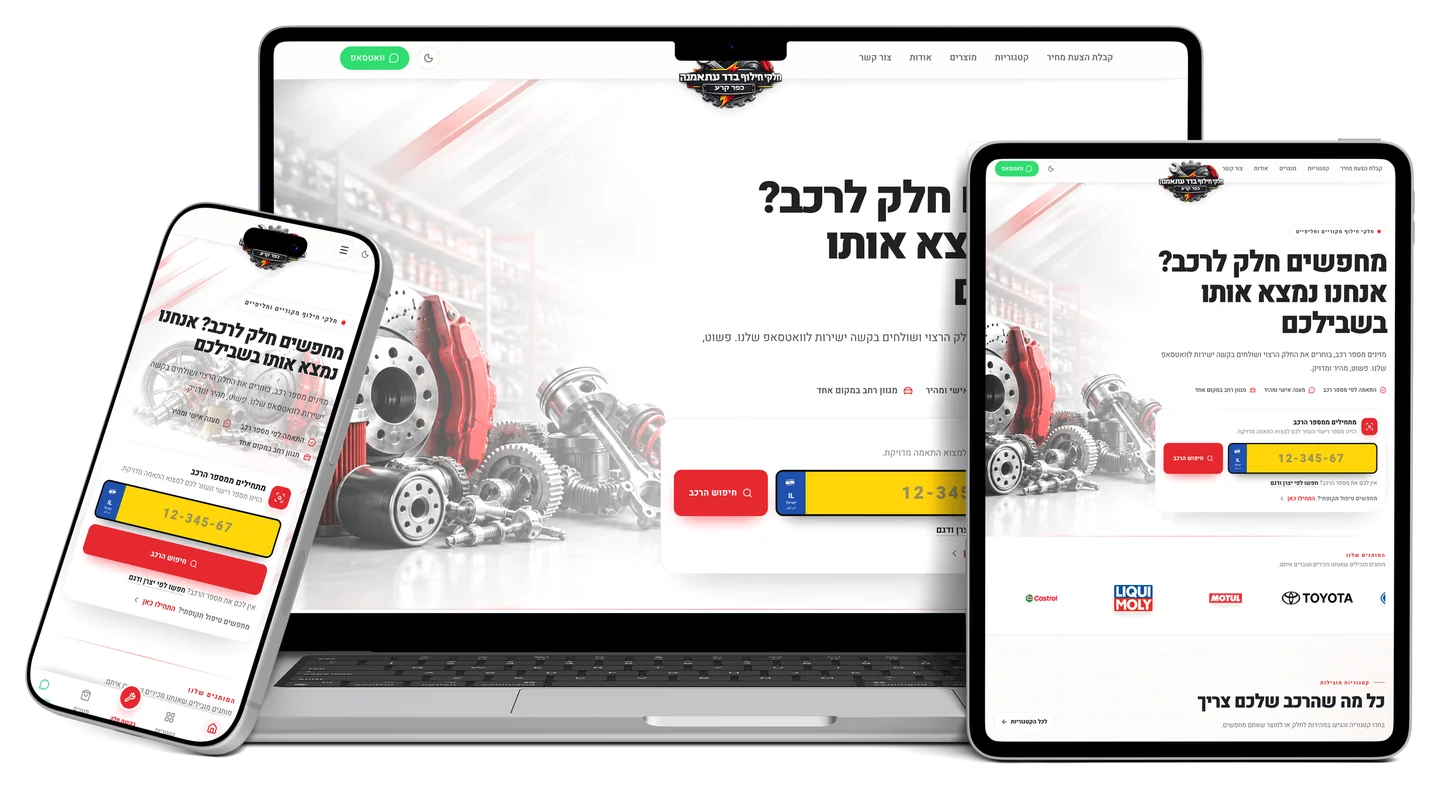
The BDR Parts website on a laptop, a tablet and a phone

The whole site

The homepage from top to bottom, scrolling by itself.
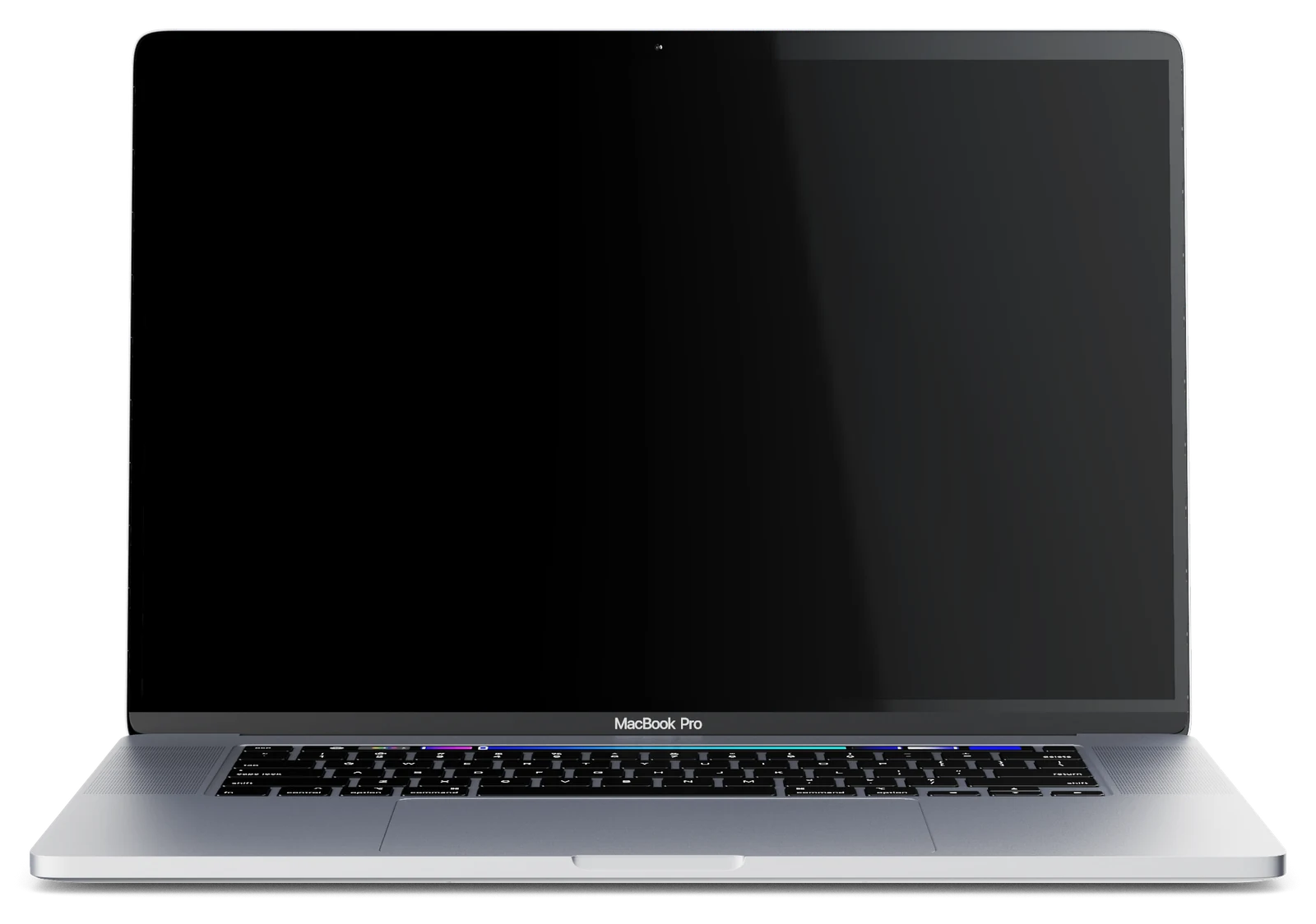
The BDR Parts website on a laptop

Page by page

The key pages on desktop and phone, and what each one does.

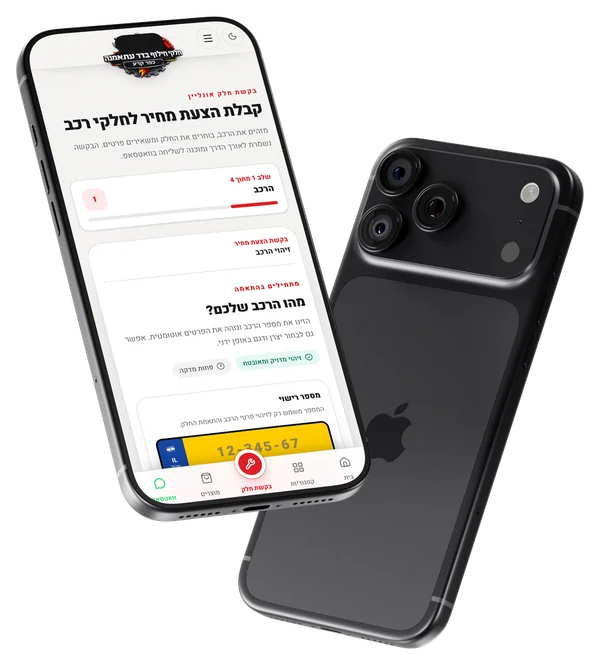
  1. The quote request

    Four short steps — vehicle, part, details, summary — with the vehicle identified from its licence plate.
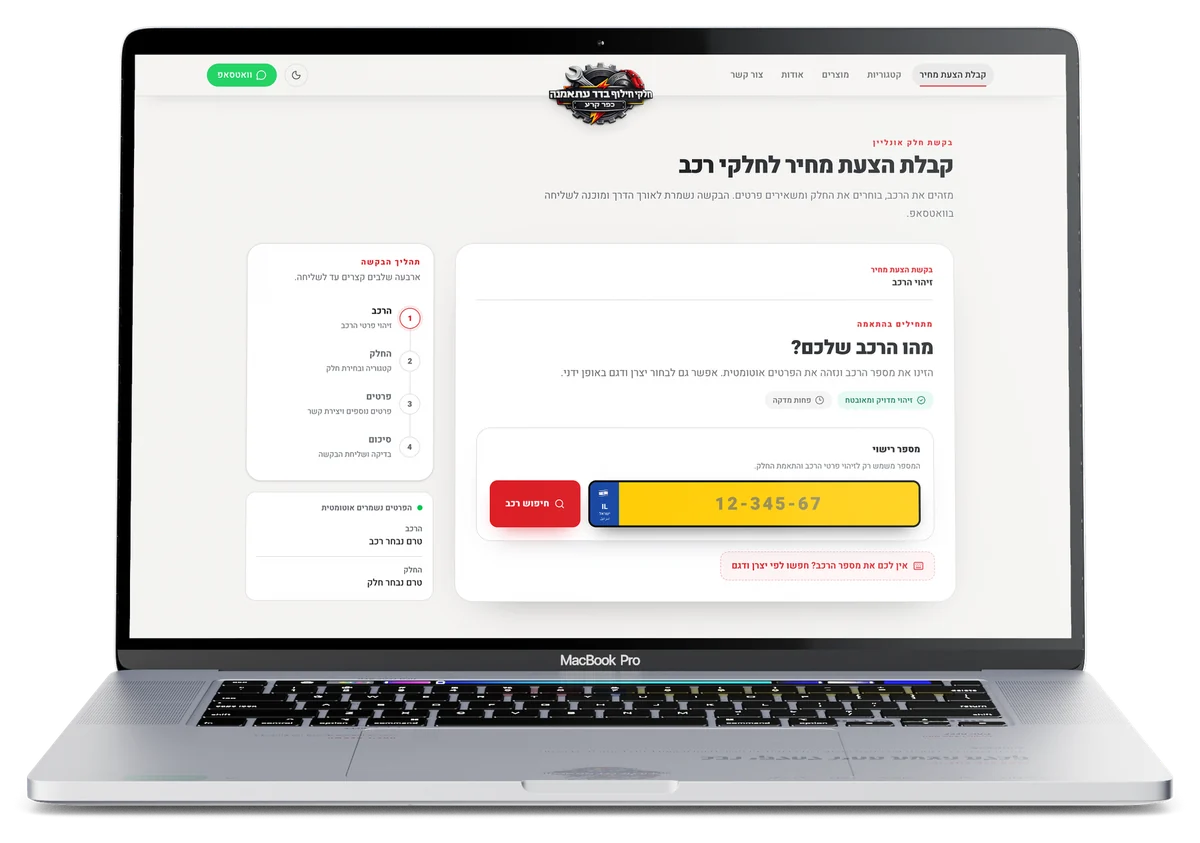
    The quote request on the BDR Parts website, on a laptop
    The quote request on the BDR Parts website, on a phone
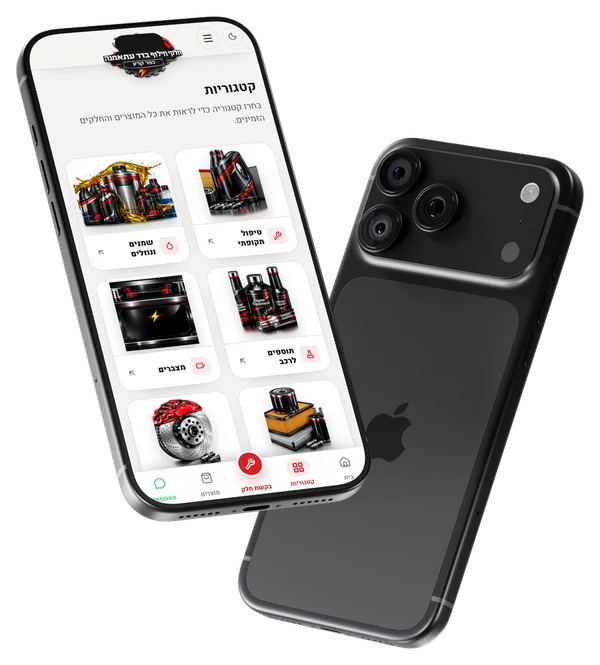
  2. Categories

    Every parts category with its image: servicing, oils and fluids, additives, batteries, filters, brakes, lighting.
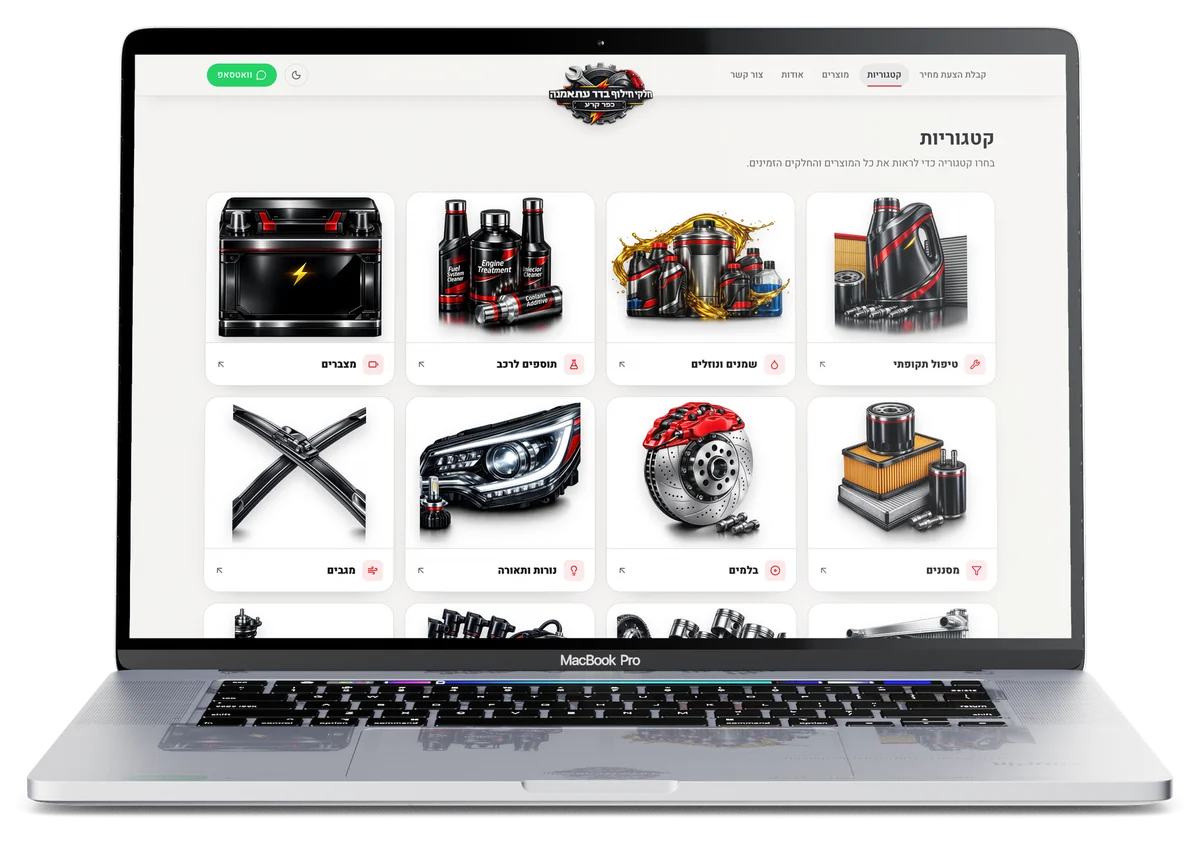
    Categories on the BDR Parts website, on a laptop
    Categories on the BDR Parts website, on a phone
  3. The part page

    The part’s description and specs, a price or availability request, or a quick question on WhatsApp.
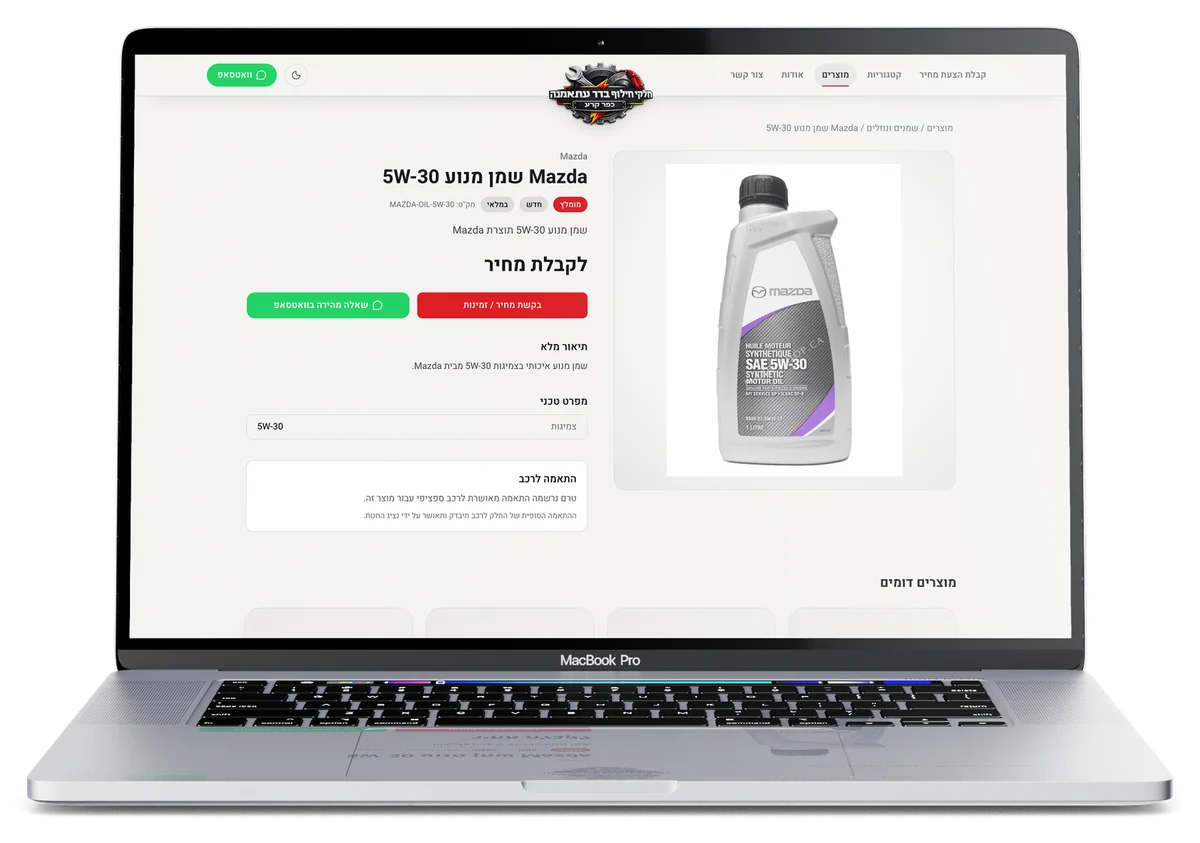
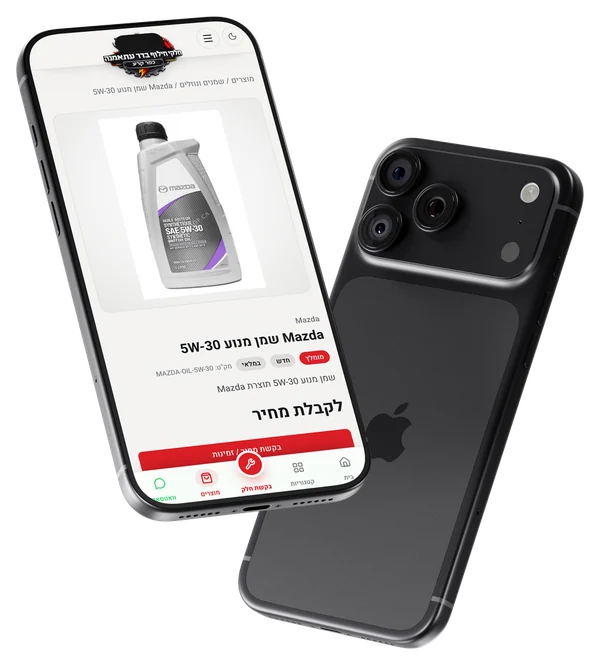
    The part page on the BDR Parts website, on a laptop
    The part page on the BDR Parts website, on a phone
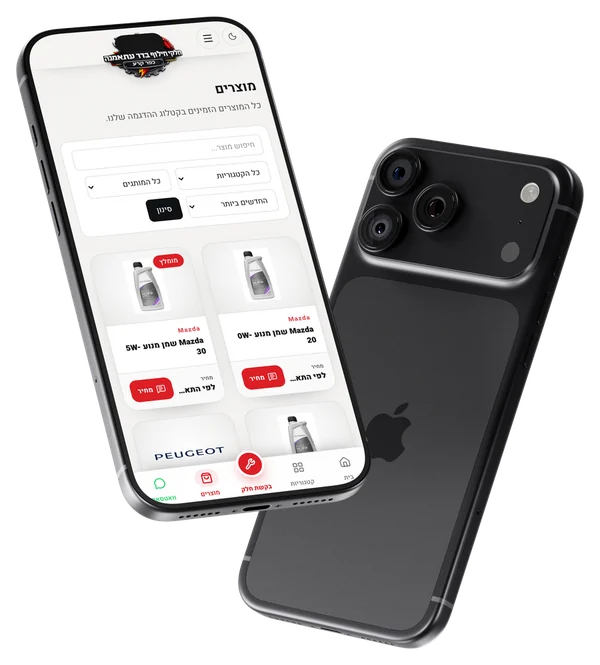
  4. All products

    Search and filter by category, brand and order, with a price-request button on every product.
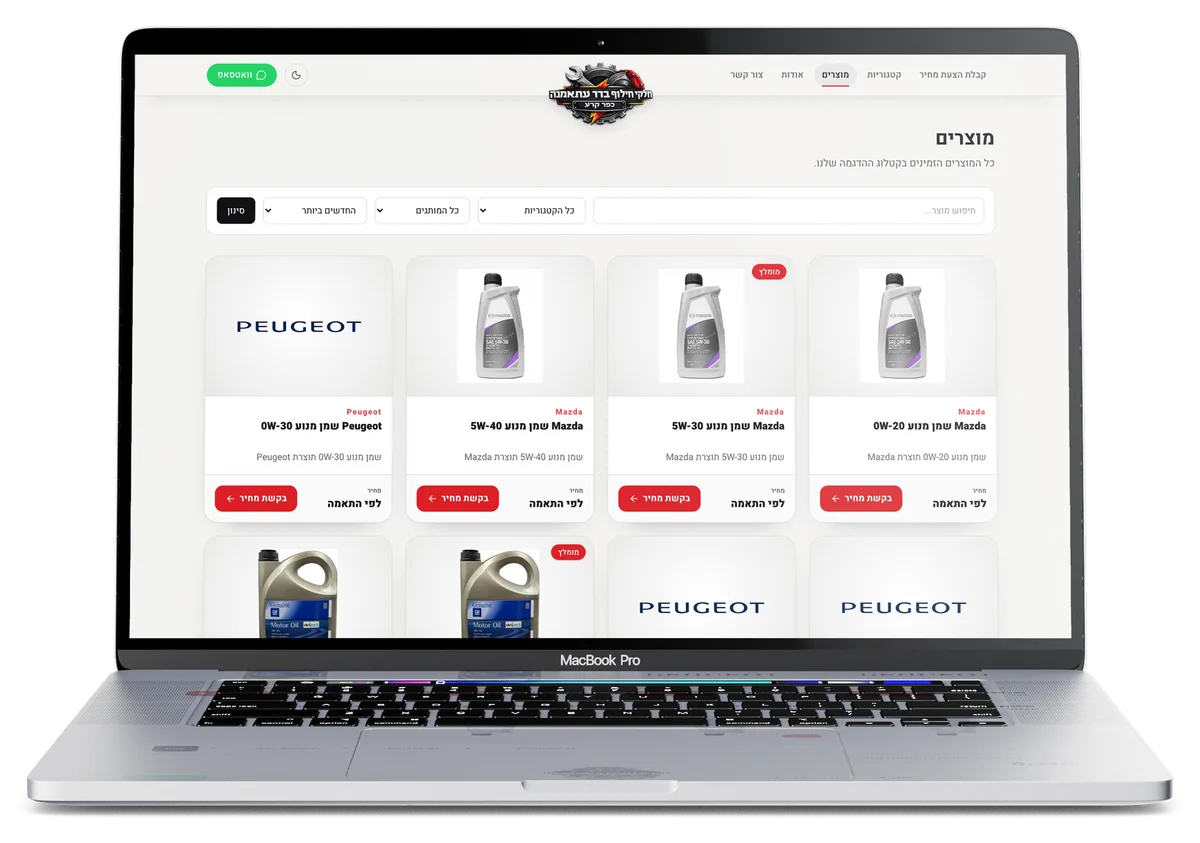
    All products on the BDR Parts website, on a laptop
    All products on the BDR Parts website, on a phone

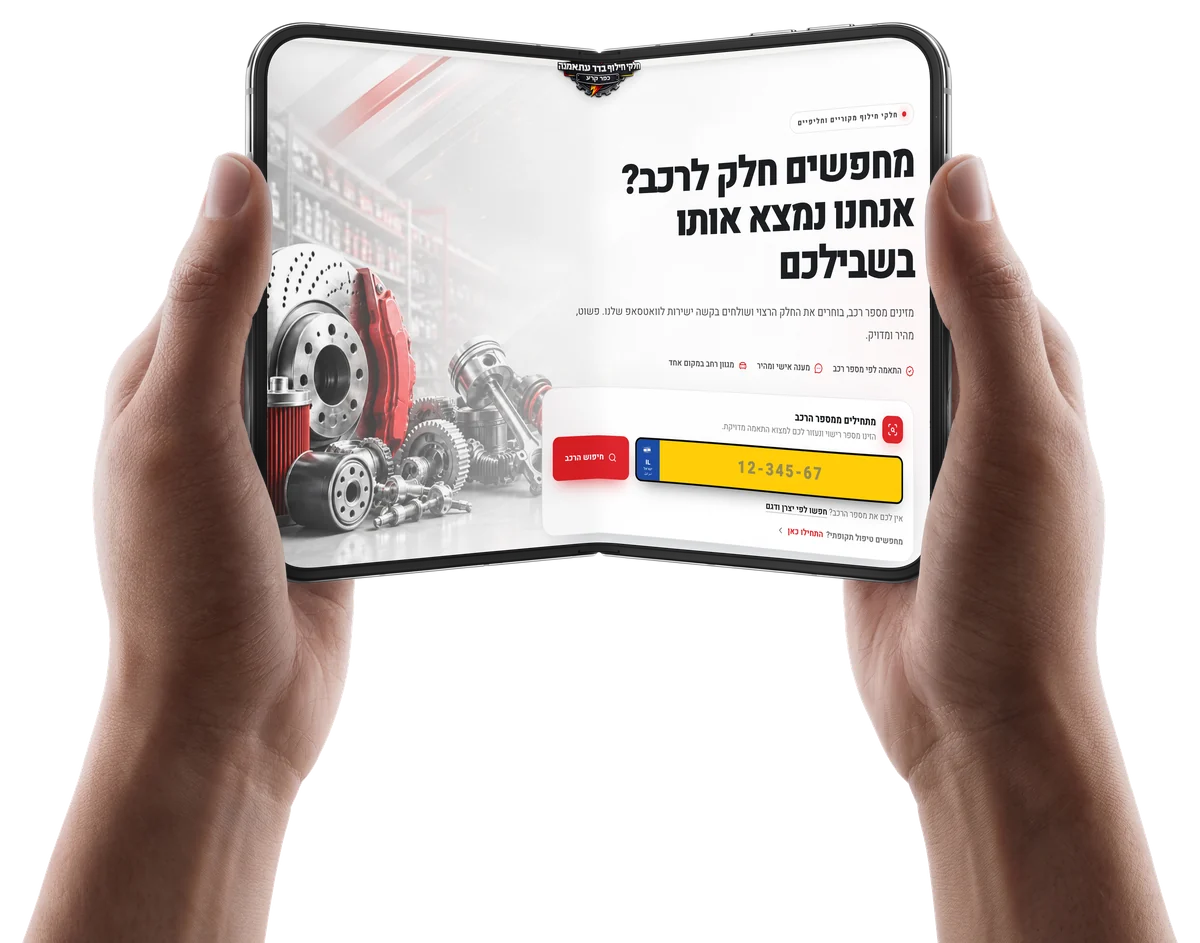
On every device

  • The BDR Parts website on a foldable phone
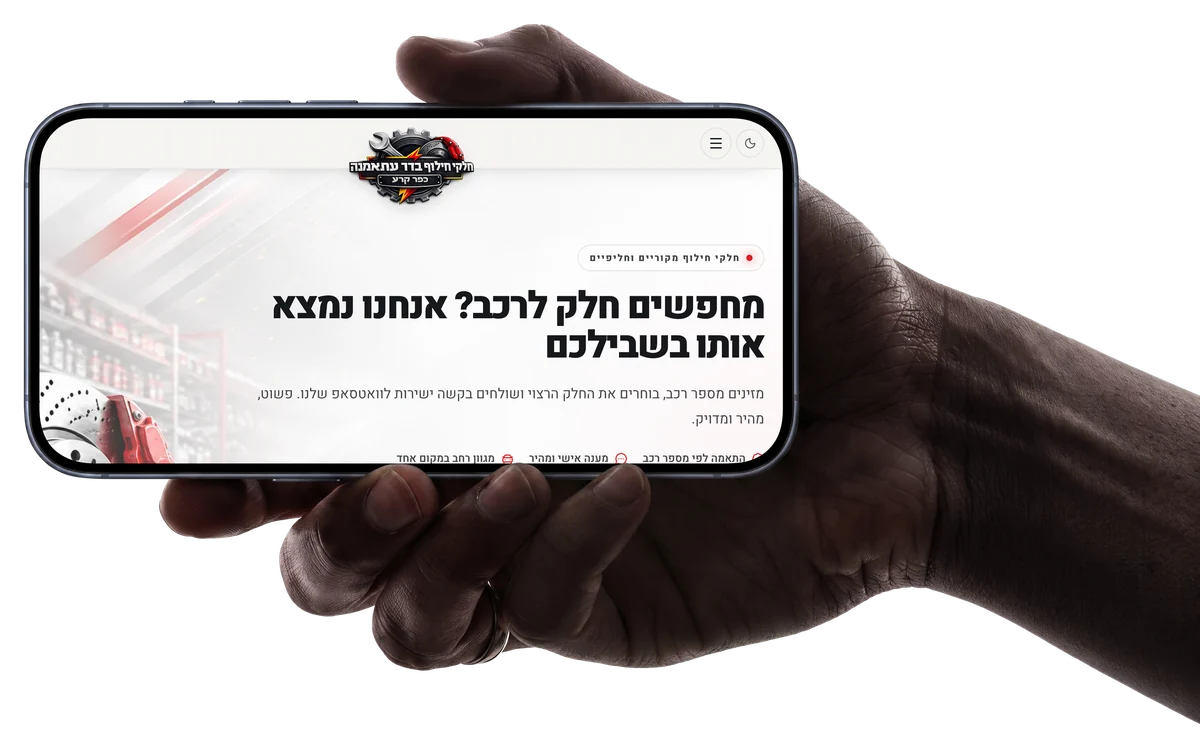
  • The BDR Parts website on a phone held sideways
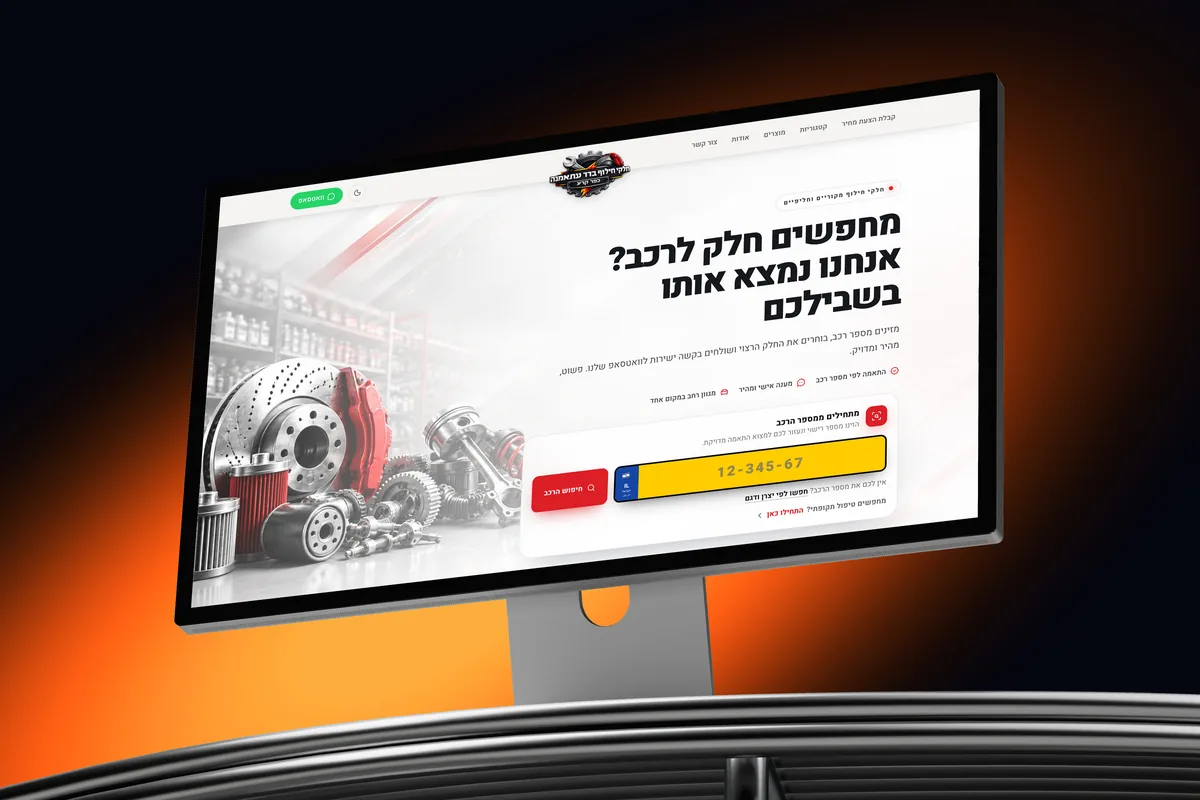
  • The BDR Parts website on a desktop display
Next project3alammaStudent services · Ordering siteThe 3alamma website on a laptop, a tablet and a phone

Have a project in mind?

Start your project